

Where can I find the Shopify sitemap?
You can find your sitemap.xml by simply adding the text " /sitemap.xml " to the end of your root domain. Below is an example of how to access the sitemap for the domain "example.com".
https://ejemplo.com/sitemap.xml
What's in the sitemap?
All the Shopify shops automatically generate a file sitemap.xml containing links to all your products, main product images, pages, collections and blog articles.
Search engines such as Google y Bing use this file to index your website so that your shop pages appear in search results. Send your sitemap files to Google Search Console helps Google to find and index the pages of your online shop.
Once you have navigated here, you will see the index file of your Shopify shop's sitemap. An index file sitemap.xml is a primary sitemap that contains links to all sitemaps on your website. These links are called secondary sitemaps and are usually sorted by page type.
In the screenshot below, there are four links to secondary site maps:
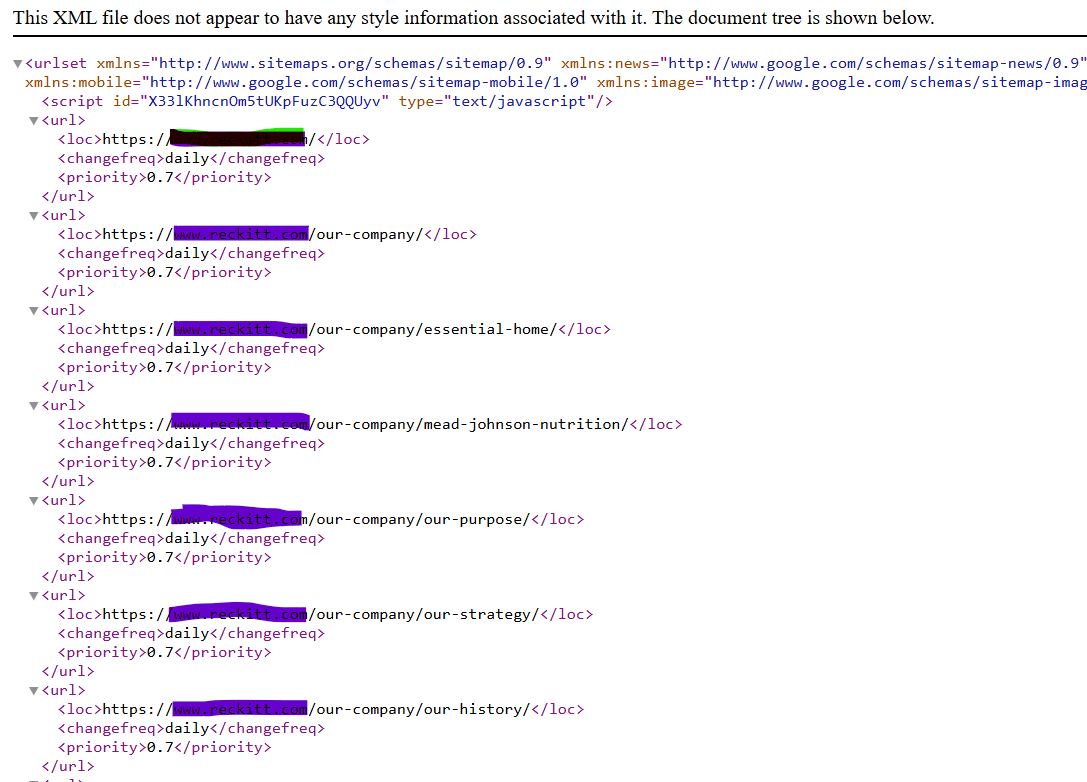
Generally, Shopify will create four secondary sitemaps for the following types of pages:
- Product pages (sitemap_products_1.xml)
- Collection pages (sitemap_collections_1.xml)
- Blog entries (sitemap_blogs_1.xml)
- Pages (sitemap_pages_1.xml)
This helps categorise your sitemap.xml into logical groups of pages. If your online shop has a large selection of products, Shopify may create additional secondary sitemaps in the index file. These additional secondary sitemaps will be generated automatically once the initial secondary sitemap exceeds the 5000 URL*.
Secondary sitemap file
When you navigate to a secondary sitemap link, you will see a list of URLs belonging to that type of page. This provides Google and other search engines with a comprehensive list of all URLs of that category.
This allows them to easily discover all the content of an online shop without having to rely on the shop's architecture.
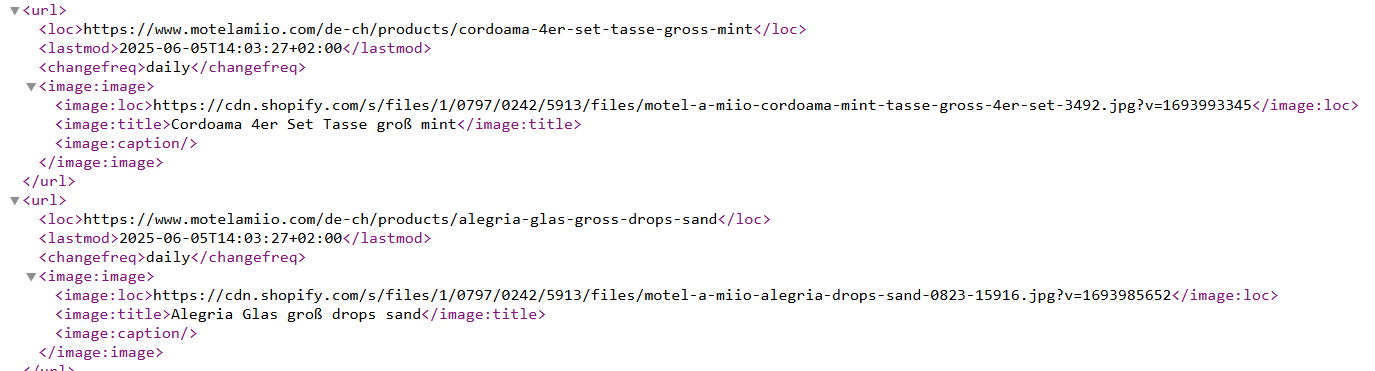
When analysing Shopify secondary sitemaps, you will find that each entry may contain a few different elements:
- : The URL of that particular page.
- : The last modification date of the page.
- : an estimate of how often the page is likely to change
- : The featured image of that page.
- : The title of the page on which the image is located.
Can you edit the shopify sitemap or upload your own custom one?
Unfortunately, as of today, you cannot upload your own sitemap.xml to Shopify and must use their auto-generated file. Shopify support has confirmed this.
Although this can be a bit limiting, we generally prefer the options of automatic generation sitemap.xml files. If you use a custom static solution, it may not update the sitemap when adding and removing new pages from your shop.
This could be a major problem, as inventory is constantly changing in e-commerce shops. Overall, however, we have found Shopify's auto-generated sitemap.xml to be a good solution for our customers.
What steps do you need to take now once you have located the sitemap for your Shopify shop?
How to submit your Shopify sitemap to Google?
You can easily submit your Shopify sitemap to Google Search Console in the following ways:
- Navigate to Google Search Console
- In the left sidebar, navigate to "Site Maps".
- Find the form "Add a new sitemap".
- Enter the text "sitemap.xml" in the field "Enter sitemap URL".
- Click on "Send".
Once the sitemap file has been submitted to Google, the next step is to check the indexing status of the urls. The process can take some time and Google does not guarantee how long it will take to crawl your shop.
The Index Coverage Report also provides information on how Google processes your sitemap.xml files.
If there is a problem with indexed or non-indexed urls you can easily see that too:
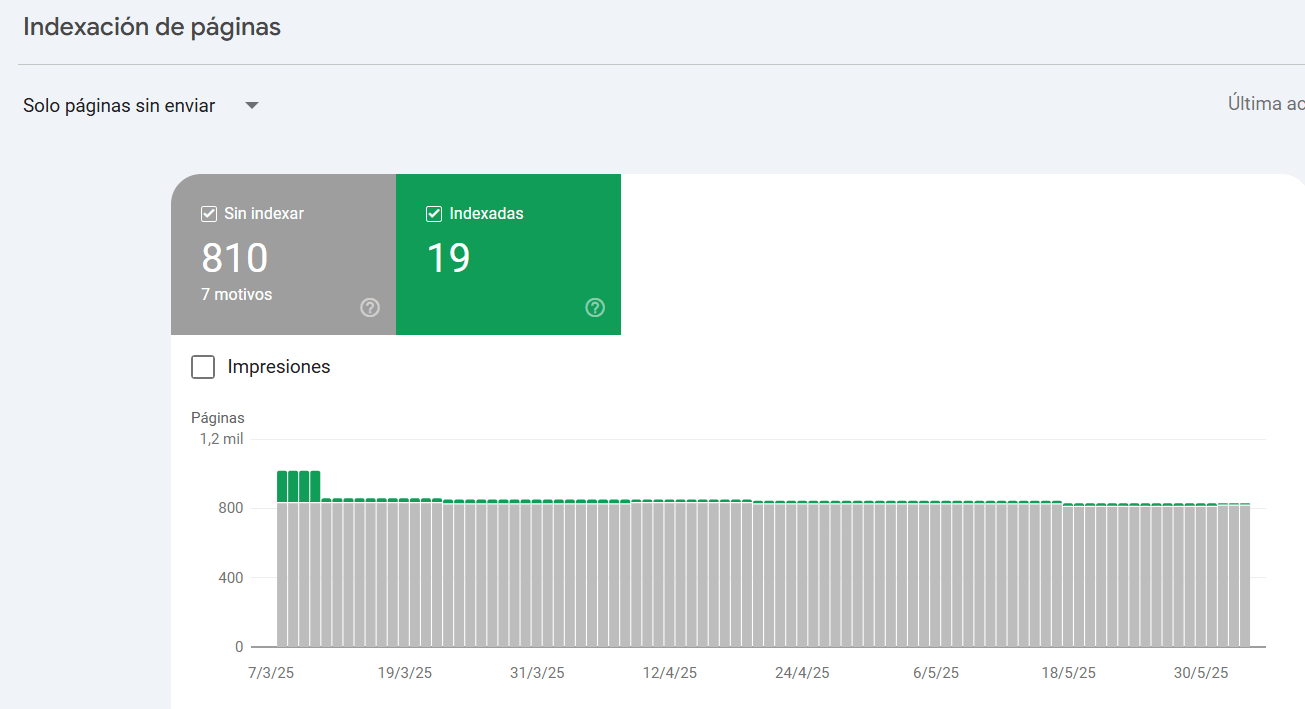
Some common reasons why Shopify reports URLs as "Indexed, not submitted to sitemap" include:
- False positives: We often find that the URLs reported here are actually contained in the Shopify sitemap.
- /collections/all/ pages Shopify does not appear to include these and their paginated URLs in sitemap.xml
- Pagination : We will often see examples of pagination excluded from your sitemap.xml
Problem with indexing parameterised urls in Shopify
You may encounter urls like this example in your Shopify shop:
- www.sitioweb.com/productos/productoúnico?variant=123456789
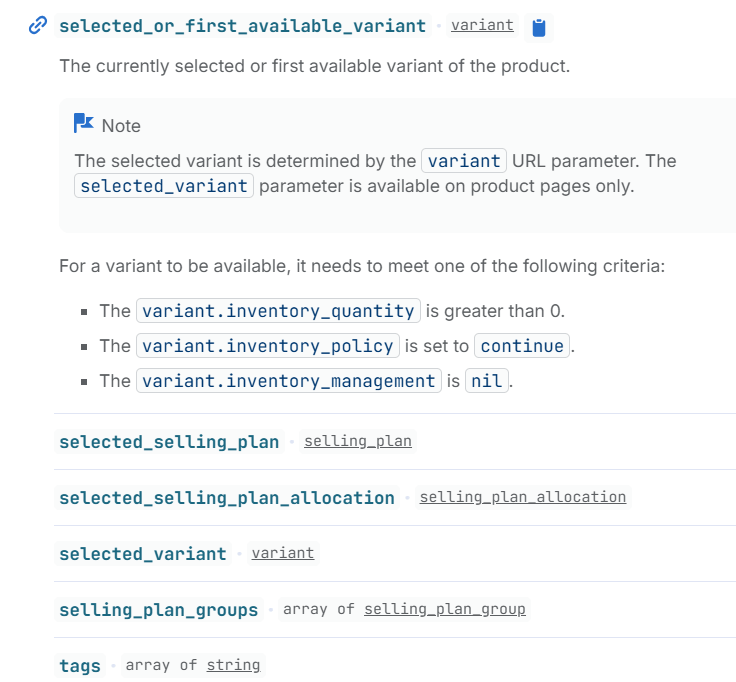
Shopify creates variants based on the attributes you select on the product page. These new urls that are created are canonicalised towards the product page which has a clean url.
Variations of a product sheet should not be indexed in a general way (there can always be some exceptions depending on many factors).
Although it may be confusing to users, the primary purpose of a sitemap.xml file is to make it easier for Google to crawl of your website's content. This is especially important for e-commerce sites, as it can be more difficult for Google to find content on larger sites if it only navigates your standard architecture.
A file sitemap.xml offers protection against this by providing search engines with a "baseline" list to crawl.
If you have any questions about sitemap.xml files or our Shopify SEO services, please feel free to contact us.