

Lodaer Img

WordPress and WooCommerce security: tools and tips to prevent hacking

WordPress and WooCommerce security featured

WordPress security and WooCommerce is essential to protect your business and the trust of your customers. These platforms, while leading in the creation of websites and online shops, are frequent targets of cyber-attacks. Securing your site is not just an option, it's a necessity!

In this article we will explain how to secure your website with key tools, practical tips and support from digital security professionals.

Why are WordPress and WooCommerce vulnerable?

The popularity of WordPress and WooCommerce is a double-edged sword. These platforms are used by millions of websites, making them an attractive target for hackers. In addition, the use of third-party plugins and themes can increase the risk of vulnerabilities.
Among the most common threats are:

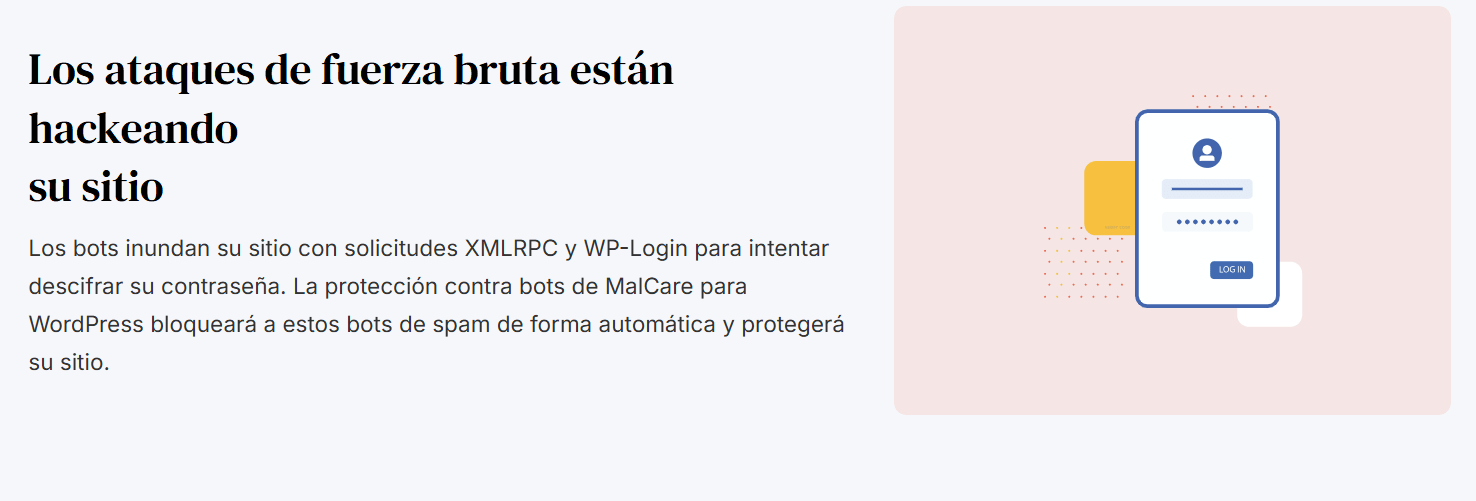
  • Brute force attacks: Automated attempts to guess your username and password.
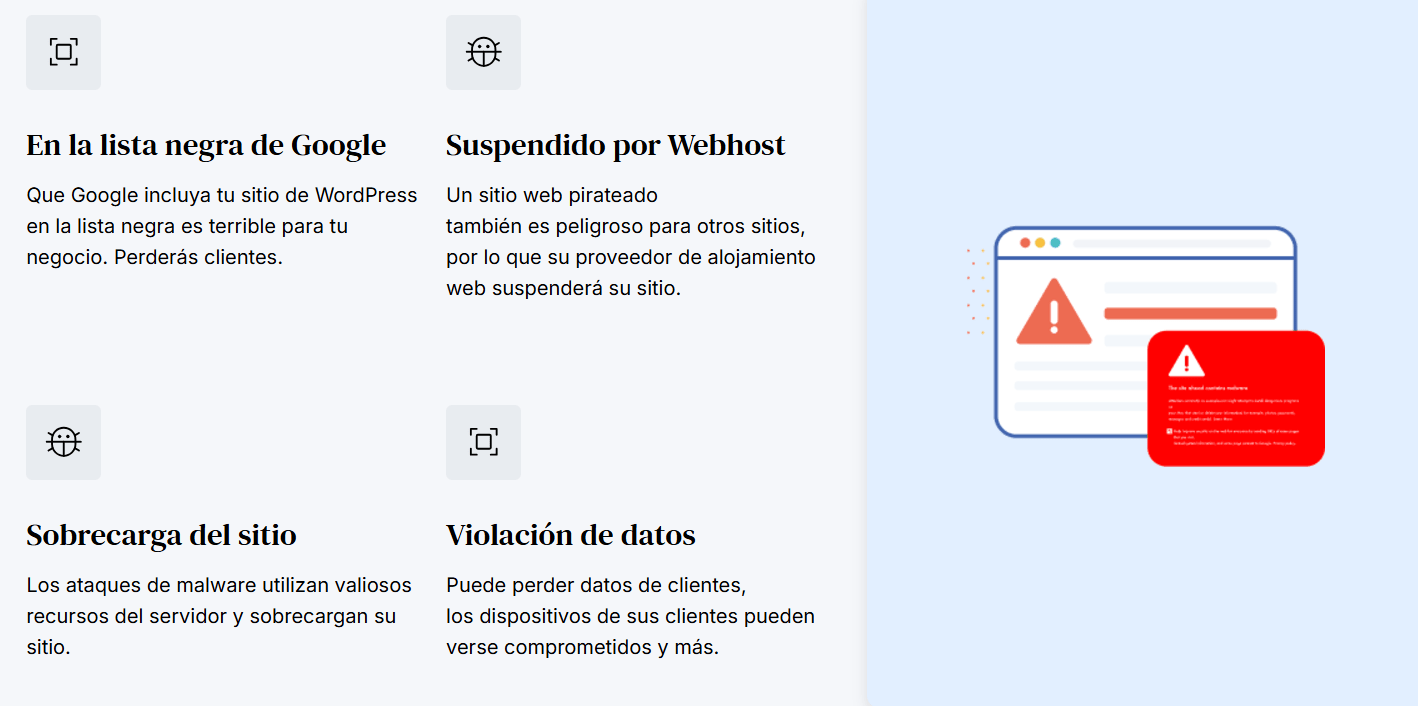
  • Malware: Malicious code that infiltrates your site through insecure plugins, themes or files.
  • Vulnerabilities in outdated plugins and themes.

Protecting against these threats requires a comprehensive approach in the WordPress and WooCommerce securityfrom the choice of tools to the implementation of advanced strategies.

WordPress and WooCommerce security img

Security tools for WordPress and WooCommerce

1. Wordfence Security

A robust security plugin that offers:

  • Web Application Firewall (WAF).
  • Scanner malware to identify suspicious files.
  • Monitoring of unauthorised login attempts.

2. Sucuri Security

A complete package including:

  • Malware scanning and blacklist monitoring.
  • Protection against DDoS attacks and brute force.
  • Tools to clean up hacked sites.

3. iThemes Security

This plugin is designed to reinforce the basic WordPress settings:

  • Protection against brute force.
  • Concealment of sensitive administration areas.
  • Automatic alerts on security problems.

4. MalCare

Ideal for constant monitoring:

  • Automatic scanning and one-click malware removal.
  • Firewall to block suspicious activities in real time.

The combination of these tools ensures a comprehensive approach to improving the WordPress and WooCommerce security.
web malware

Practical tips for improving security

In addition to using security tools, follow these basic tips to keep your site secure:

Update plugins and themes regularly

Updates usually include security patches. Make sure you keep everything up to date, including the WordPress core.

Use strong passwords and two-factor authentication (2FA).

Avoid predictable passwords such as "123456" or "admin". Implement two-factor authentication tools to add an extra layer of security.
malware bots

Make frequent backups

Use plugins such as UpdraftPlus to generate automatic backups. If something goes wrong, you can easily restore your site.

Install an SSL Certificate

The HTTPS protocol protects the information between your site and your users. It is also a key factor for SEO.

Change the default user name

Avoid using "admin" as the primary user. Create a unique name to complicate hacking attempts.

Block foreign countries that send a lot of bots.

There are websites and programmes in some countries (such as Russia) that send out thousands of bots every day with the aim of hacking and extracting information and data from websites.


WordPress and WooCommerce security img 2

The importance of hiring digital security

While the tools and strategies are useful, having cyber security experts will allow you to focus on your business while they take care of protecting it.

Advantages of a professional team

  1. Customised audits: Professionals identify and fix vulnerabilities specific to your site.
  2. Proactive monitoring: Detect and mitigate threats in real time before they affect your business.
  3. Rapid response to incidents: If your site is hacked, experts can recover it quickly.
  4. Advanced settings: They implement measures that go beyond the default options, such as custom firewalls.

How to choose the right equipment?

  1. Look for companies with WordPress and WooCommerce experience like ours. Digital marketing agency Eiji Group
  2. Check online reviews and ask for references.
  3. Make sure they offer comprehensive services, such as monitoring, cleaning of malware and technical support.
  4. Opt for scalable plans that can be adjusted to your future needs.

Detect and fix vulnerabilities on your website

In addition to the tools mentioned above, you can use other platforms to identify problems:

  • Google Search Console: Notifies you if your site is compromised or blacklisted.
  • WPScan: Scans for specific vulnerabilities in WordPress.
  • Advanced security plugins: Some include detailed reports and automatic solutions.

It recalls that these measures are part of a comprehensive plan to reinforce the WordPress and WooCommerce security.

Keeping your WordPress and WooCommerce site secure is essential to protect your customers' trust and your business performance. With effective tools, best practices and the support of a professional team, you can prevent attacks and keep your online shop running smoothly.

From Eiji Group We recommend that you invest in security. Is your website not secure against hacks? Contact with us

Back To Top Img